Skip to content
+91-9915718004 info@toshiconsulting.com Monday – Friday · 10:00 AM – 6:00 PM IT Park Panchkula, Haryana
Request Callback
Shipped product

Utility Apps

A suite of focused Manifest V3 Chrome extensions

  • Multi-tenant ready
  • Production deployed
  • Web + mobile

Overview

Utility Apps is a suite of five Chrome extensions, each built on Manifest V3 and aimed at a single, well-defined job — from reclaiming screen time to bending any web player to your will. Across the suite the engineering bias is the same: keep the footprint small, do the heavy lifting in content scripts, and persist state with Chrome's own storage rather than a backend.

Several extensions are explicitly vanilla-JS, zero-dependency builds with no build step — most notably Ultimate Media Controller. Where third-party code is used it is local and minimal: Digital Wellbeing bundles chart.min.js for its dashboard; Frontend Snipper bundles jszip.min.js for exports.

Privacy is local-first by design: Digital Wellbeing keeps all data in the browser with no external servers; Ultimate Media Controller runs entirely locally with no collection or sharing. CSS Layout Visualizer, ThemeForge, and Frontend Snipper similarly persist only to chrome.storage or local downloads.

The suite includes:

  • Digital Wellbeing — screen-time tracking and parental controls
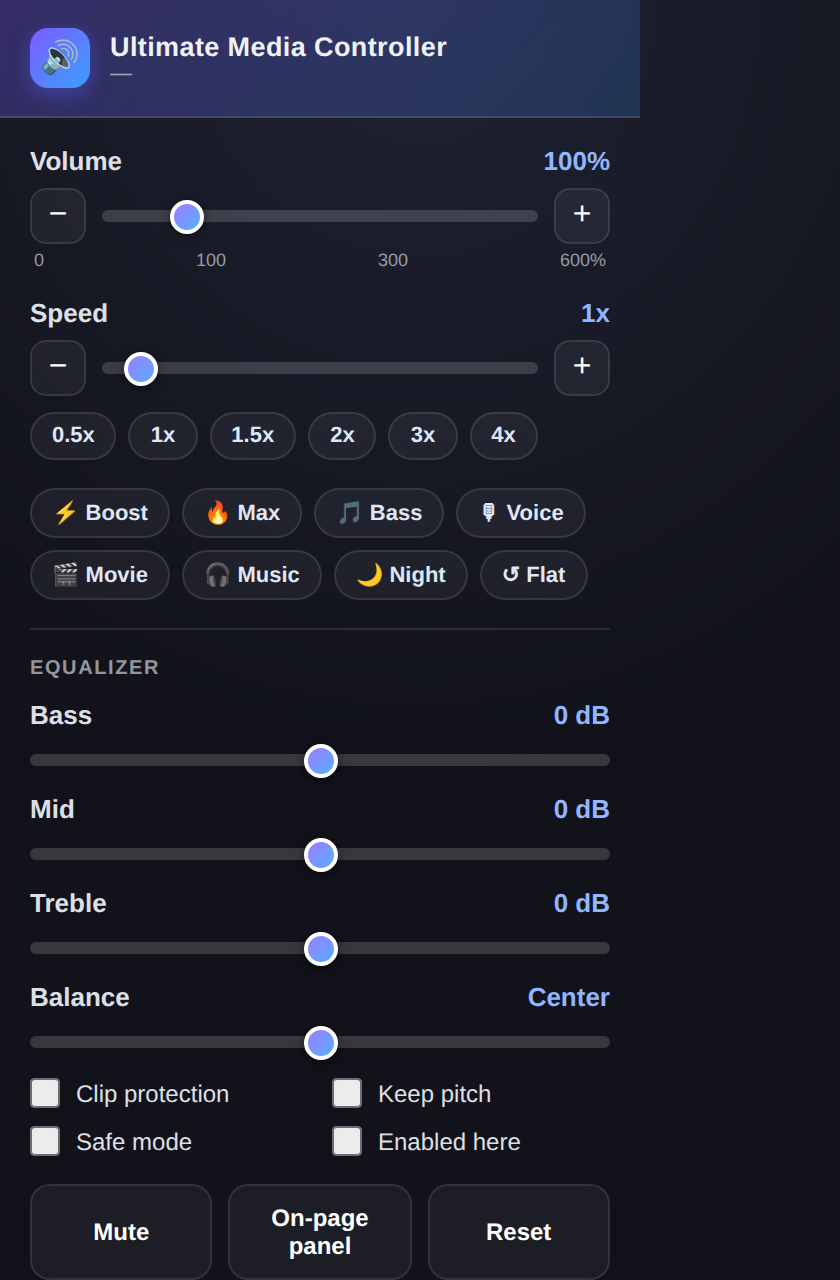
  • Ultimate Media Controller — volume, speed, and EQ for any web media
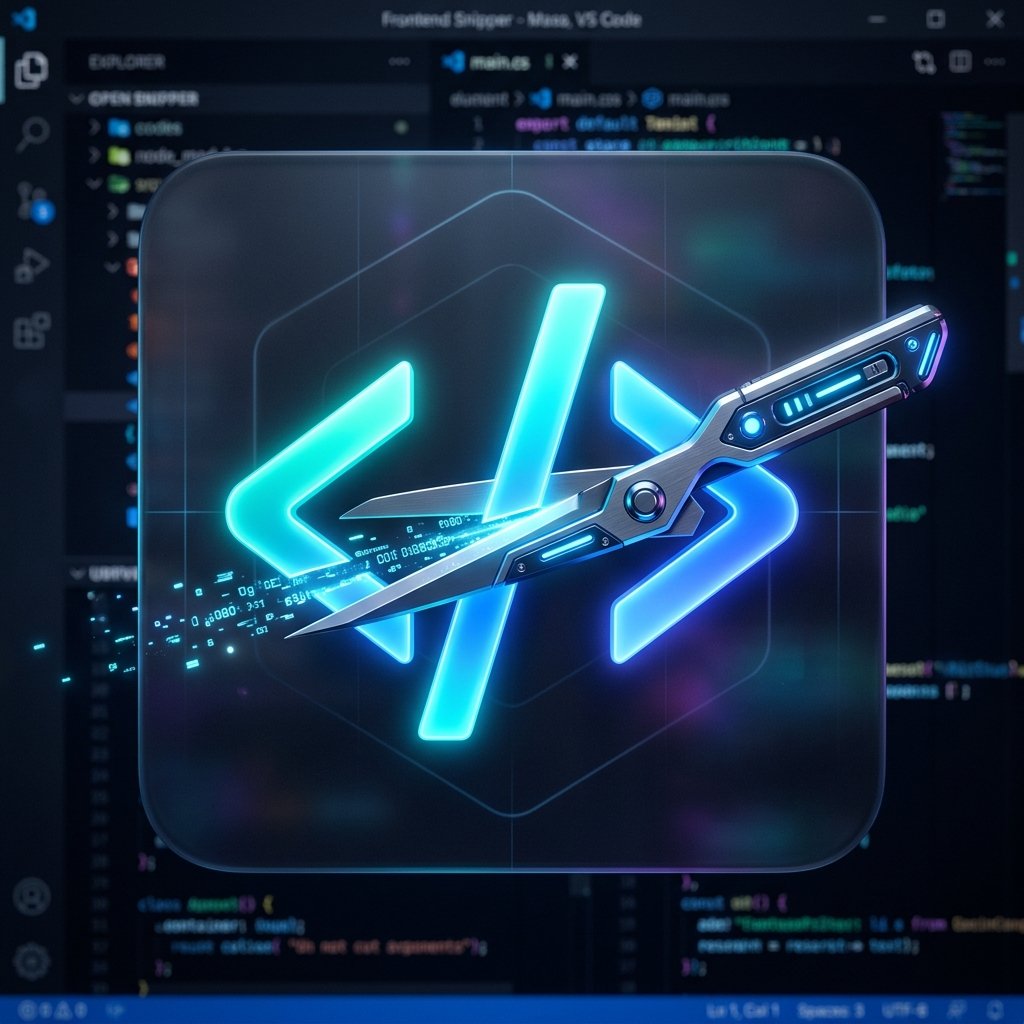
  • Frontend Snipper — pixel-perfect HTML + computed CSS extraction
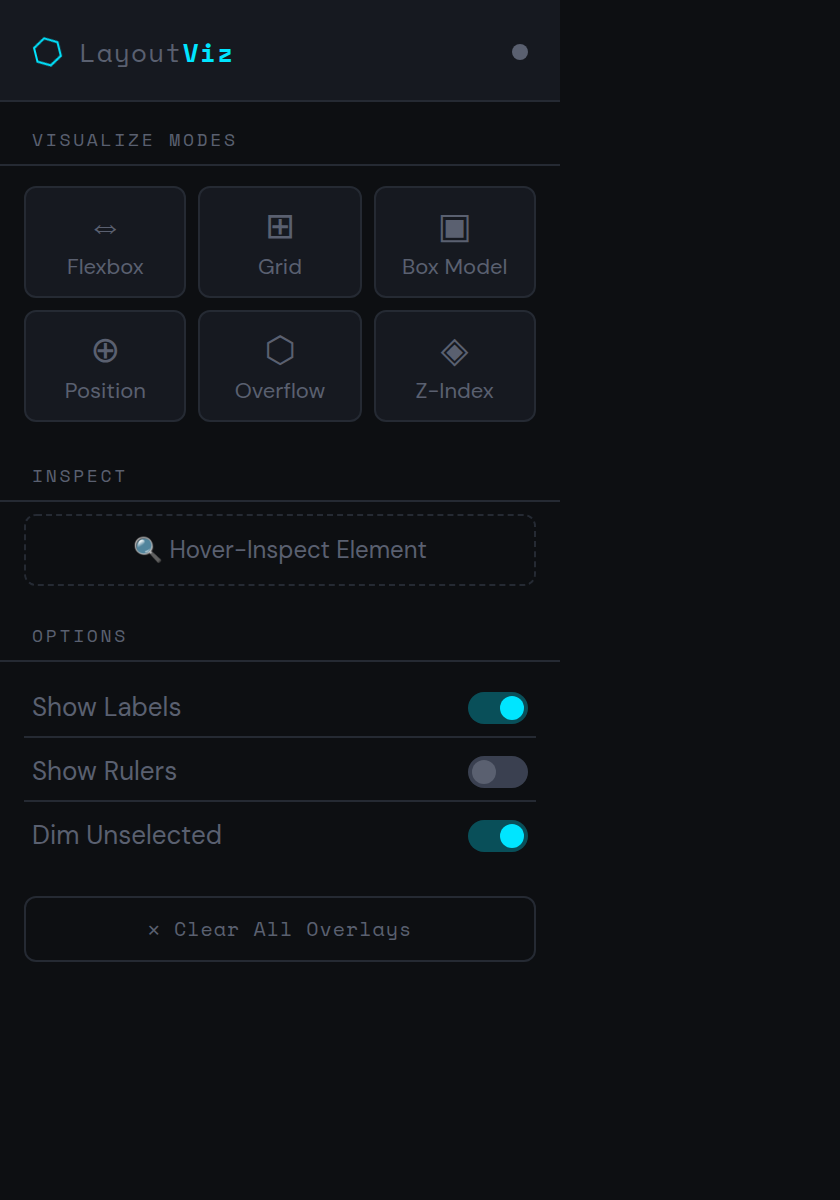
  • CSS Layout Visualizer — on-page Flexbox, Grid, and box-model overlays
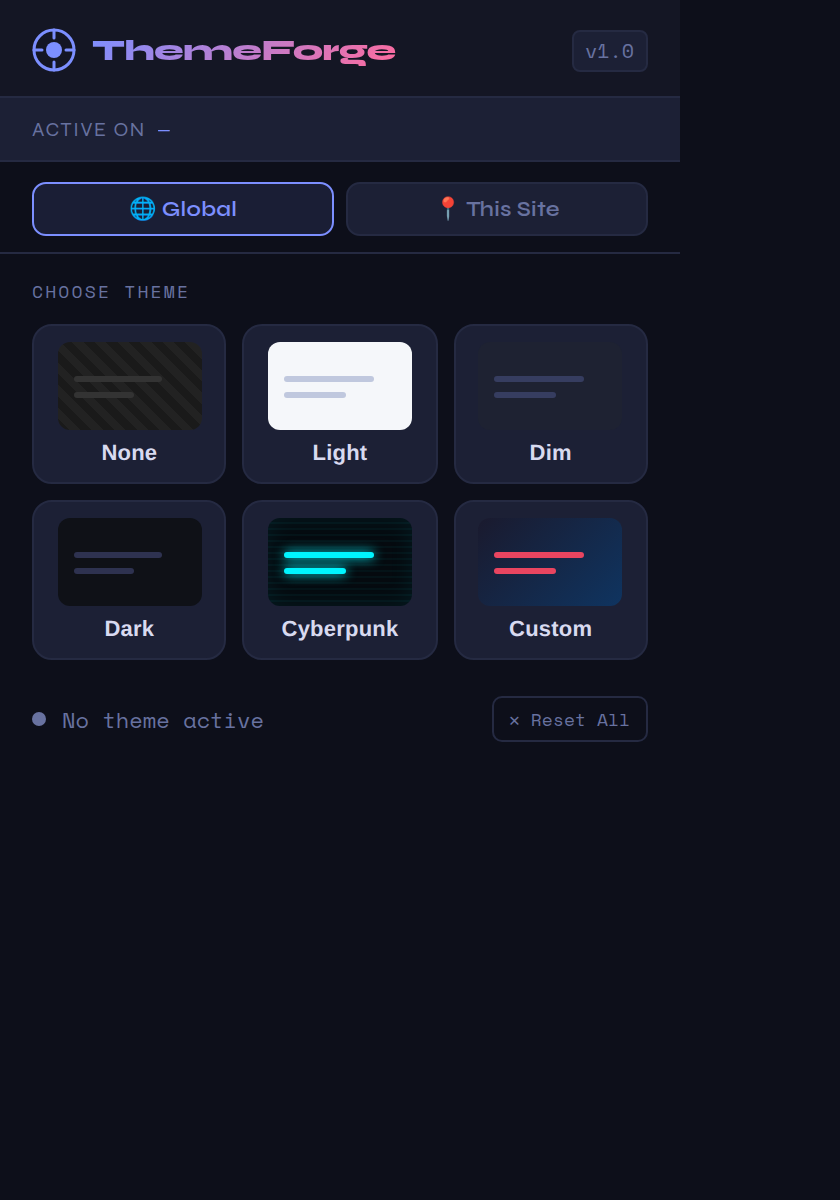
  • ThemeForge — dark, dim, neon, and custom themes on any site
Problem Statement

Browsers ship powerful primitives but expose almost none of them to the user. Each extension in the suite targets a concrete, everyday friction:

  • Screen time gets away from families. Parents want visibility and gentle limits without shipping their kids' browsing to a cloud service.
  • Every site caps media at 100% volume and hides its EQ. Quiet lectures, bass-light podcasts, and players that snap playback speed back to 1× are a daily annoyance.
  • Lifting a component's real, computed styles out of a live page is tedious — browser defaults and global resets pollute what you copy.
  • CSS layout is invisible. Developers reason about Flexbox, Grid, and z-index from numbers in DevTools rather than seeing them on the page.
  • Sites dictate their own palette. Readers who want dark, dimmed, or neon themes on arbitrary pages have no universal switch.

Building these as five small, independent extensions — rather than one monolith — keeps each one auditable, fast, and shippable on its own.

Case Study

Digital Wellbeing

A privacy-first screen-time tracker and parental-control dashboard. It tracks usage sessions, surfaces daily/weekly analytics, and gives parents quick controls from a compact popup. The MV3 service worker handles timers and limits; a content script monitors pages; declarativeNetRequest, alarms, idle, and unlimitedStorage enforce limits and persist history locally.

Ultimate Media Controller

A dependency-free controller for volume (0–600%), playback speed (0.1×–16×), and 3-band EQ plus L/R balance on any <video> or <audio> — YouTube, Netflix, Twitch, embeds, SPAs, Shadow DOM, and iframes included. A lazily-built Web Audio chain wires up only when you adjust a control; a MAIN-world shim force-opens Shadow DOM for SPA navigation; settings fan out to every iframe. Ships a draggable glass HUD, toolbar popup, and keyboard shortcuts (Alt+Shift+V toggles the HUD).

Frontend Snipper

Extracts a page's visual HTML and fully resolved computed CSS into a portable .zip (index.html + styles.css, with fonts bundled). The UI is a glassmorphic sidebar in Shadow DOM. Notable engineering: a CSS Inheritance Resolution Engine that writes only style differences against ancestors, and an iframe isolation technique that reads pure browser defaults so host-page resets don't pollute exports.

CSS Layout Visualizer

Overlays visual indicators for Flexbox, Grid, Box Model, positioning, overflow, and z-index on any webpage. Up to six color-coded modes from the popup; the content script walks the DOM, reads getComputedStyle, and renders custom overlay elements with all: initial resets. Hover-inspect shows a live property card; overlays re-flow on resize.

ThemeForge

Applies Dark, Light, Dim, Cyberpunk/Neon, and Custom themes instantly. To dodge site CSP, the background service worker injects theme CSS via chrome.scripting.insertCSS() rather than injecting <style> from the content script. Themes persist per-URL through chrome.storage.

Repositories

Screenshots

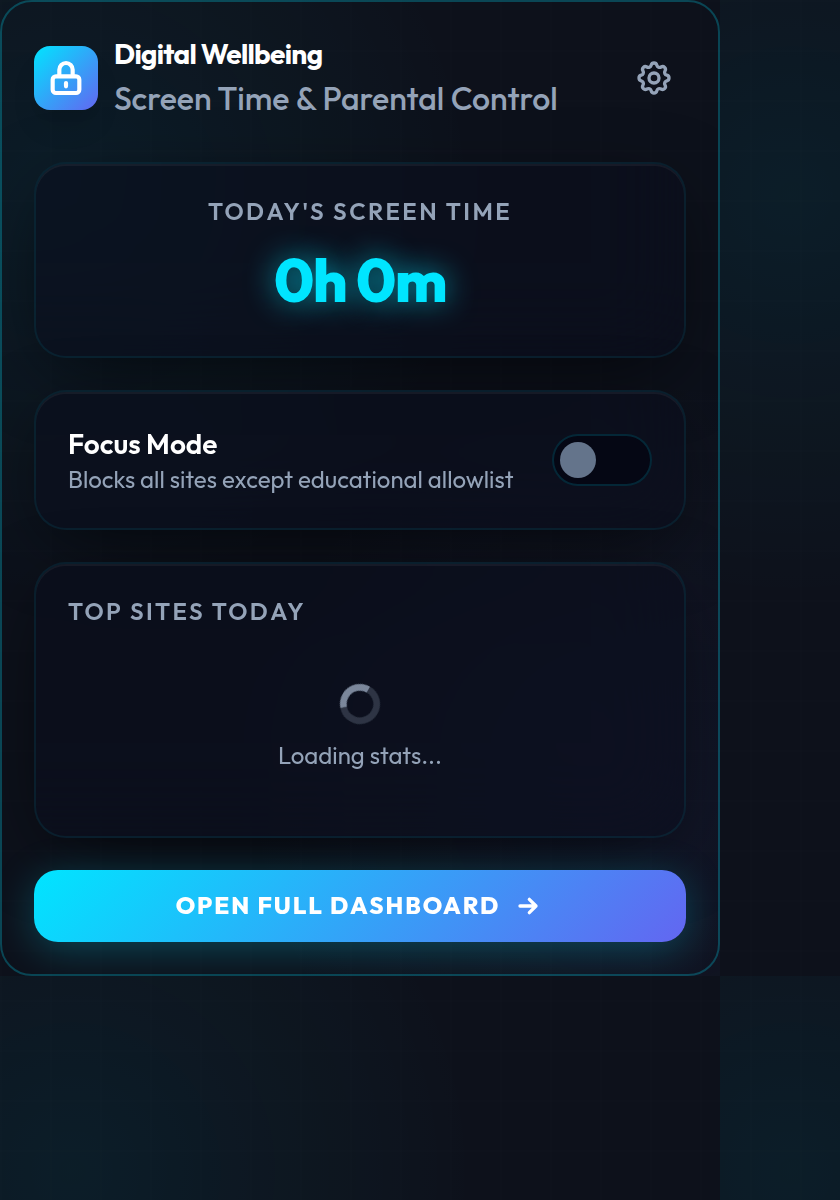
Digital Wellbeing extension popup
Digital Wellbeing — screen-time tracking and parental controls.
Ultimate Media Controller popup
Ultimate Media Controller — volume, speed, and EQ for any web player.
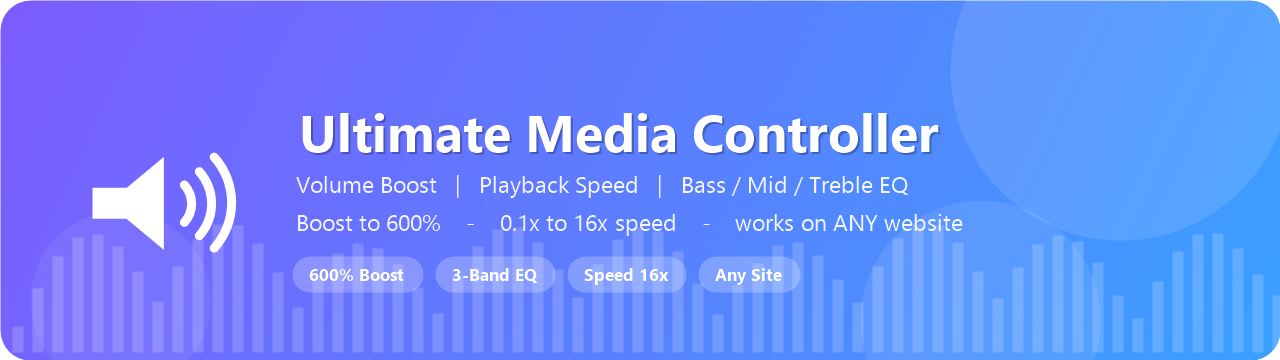
Ultimate Media Controller marketing banner
Universal media control across YouTube, Netflix, Twitch, and more.
Frontend Snipper extension
Frontend Snipper — extract pixel-perfect HTML and computed CSS.
CSS Layout Visualizer popup
CSS Layout Visualizer — see Flexbox, Grid, and box model on the page.
ThemeForge extension popup
ThemeForge — dark, dim, neon, and custom themes on any site.

Interested in Utility Apps?

Talk to our team about deployment, customization, or a demo for your organization.

Contact Us